See how hard your Mac is working.
A small tool in the menu bar: CPU, memory, disk and network as four colored rings, and everything else one click away.
Apple Silicon Macs · macOS 14 or later · up to 5 personal Macs
One click, and it’s all there.
The panel follows your Mac’s light or dark appearance. Every card has its own graph of the last two minutes, so you also see what just happened.
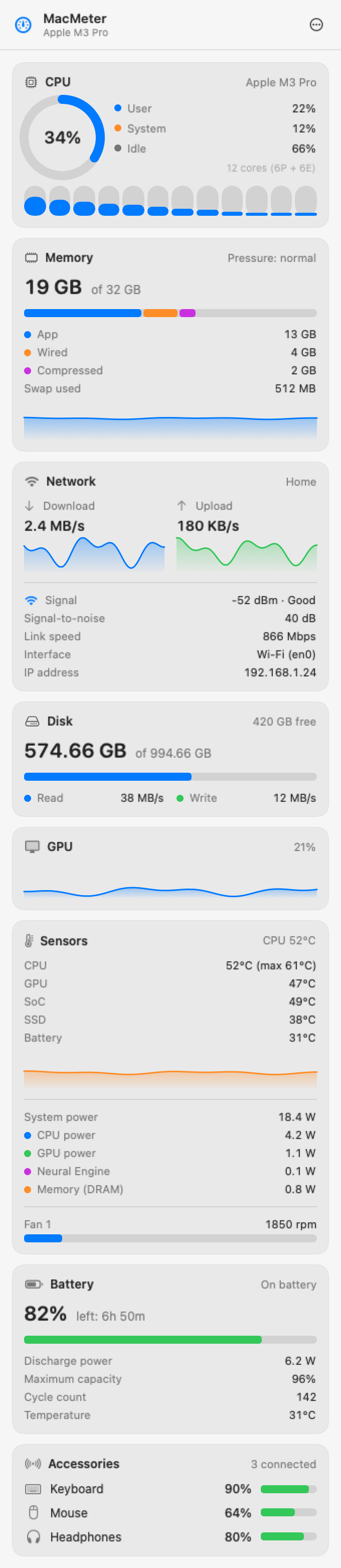
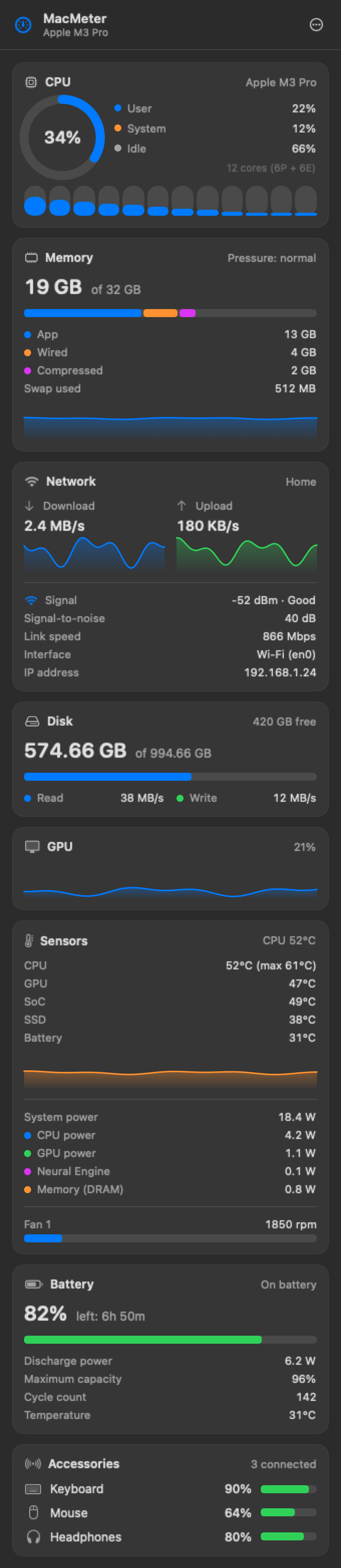
Eight cards, one glance.
CPU
User, system, idle, and the load on every core.
Memory
App, wired, compressed, swap and memory pressure.
Network
Download and upload, Wi-Fi signal, link speed and IP address.
Disk
Used and free space, read and write per second.
GPU
Graphics load, with its history.
SensorsPro
Temperatures, power by component and fan speed.
Battery
Charge, time left, cycles, health and temperature.
Accessories
Battery level of your keyboard, mouse and headphones, when they report it.
In the menu bar, your way.
Inline, stacked or with a small graph. Pick the modules and their order: values change color when they cross your thresholds.



One price, once.
€3.99one time · VAT included
14-day trial · up to 5 personal Macs · refund within 14 days
Buy ProFree, after the trial
- CPU
- Memory
- Network
- Disk
- GPU
- Battery and accessories
- 2 modules in the menu bar
Plus with Pro
- All modules in the menu bar
- Graph style
- Sensors card
- Widgets
- Threshold alerts
FAQ
Will it run on my Mac?
On Macs with Apple Silicon running macOS 14 or later.
What happens after 14 days?
The free version stays. Pro features lock until you enter a license key.
Can I use it on more than one Mac?
Yes, up to 5 personal Macs with the same license.
Why does it ask for Location access?
Only so macOS will reveal the name of your Wi-Fi network. Your location is never saved or sent. If you decline, MacMeter still works.
What if I don’t like it?
Email help@macmeter.app within 14 days of purchase and we’ll refund you.